Every bounce plays the next note
Make a bouncing-ball music video in your browser. Pick a physics scene and a song, or bring your own MIDI file, then download a 1080×1920 MP4 for TikTok, Shorts or Reels. Free, no sign-up.
How it works
- Pick a scene. Nine of them, from the spinning hexagon to a 300-ball Galton board. Each one is a real physics simulation, run fresh in your browser.
- Pick a melody. Eight public-domain classics are built in. Upload a MIDI file instead and the top line of its busiest track becomes the tune.
- Download the video. Your browser draws the video frame by frame and saves an MP4 with the soundtrack baked in. Nothing is uploaded anywhere.
The scenes
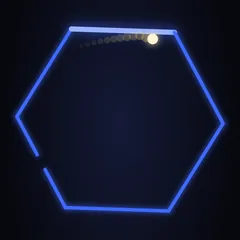 Spinning hexagonThe hexagon test, with a gap
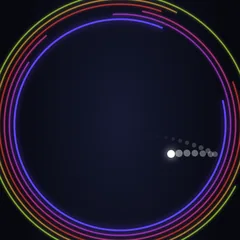 Escape the rings22 spinning rings, one gap each
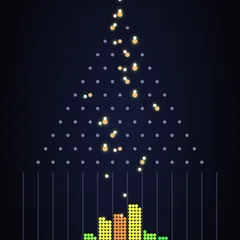 Galton board300 balls, one bell curve
 Growing ballBigger on every bounce
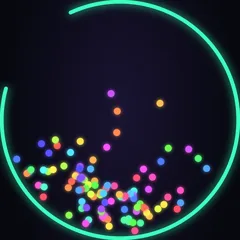 Every bounce adds a ballOne ball becomes 200
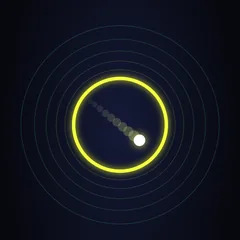 Shrinking ringThe ring closes in
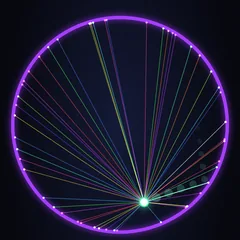 100 stringsCan the ring hold them?
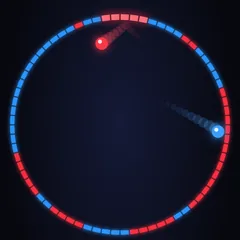 Color warTwo balls paint the ring
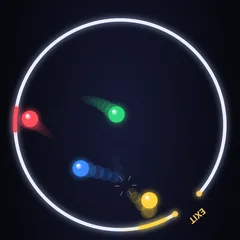 Ball raceFour balls, one exit
Singing cards
Same idea, made for a person: a ball bounces along Happy Birthday, For He's a Jolly Good Fellow or We Wish You a Merry Christmas and lands on their name. Send it as a link.
Make a singing cardQuestions
Is it free?
Yes. There is no account and no forced watermark. A small melodybounce.com credit is on by default, and you can switch it off before you export.
How does the ball land exactly on the notes?
The notes follow the ball. The physics runs first and every collision gets an exact timestamp. Then the soundtrack puts the next note of the melody on each collision, down to the audio sample, so the sound never drifts from the picture. The longer explanation.
Can I use my own song?
Upload a MIDI file. Melody Bounce takes the busiest track that isn't drums and keeps the highest note at each moment, which is usually the tune. If it picks the wrong part, choose another track from the list. Only use music you have the rights to, such as public-domain pieces or your own. Tips for MIDI files.
Can I post the videos on TikTok, YouTube or Instagram?
Yes, the videos are yours to post. The built-in melodies are public-domain compositions played on a public-domain piano sample, so there is no licensed recording inside them. If you upload your own MIDI, the rights to that music are your responsibility.
Which browsers can export the video?
Recent Chrome and Edge work best, on desktop and Android. Safari and Firefox work when they support WebCodecs video encoding. If your browser can't export, the page says so and still lets you save the soundtrack as a WAV file.
How long does an export take?
Usually between one and three times the length of the video, depending on your computer. 60 fps takes about twice as long as 30 fps. Keep the tab open while it runs.
What does Variation change?
The starting conditions, such as where the ball starts and how fast it moves. The same scene, song and variation number always give exactly the same video, so a shared link gives someone else your video, frame for frame.